Gadgets
7 Costly Mistakes First-Time Drone Buyers Make (and How to Avoid Them)
The first drone you buy is rarely the drone you keep. That isn't failure; it's how the hobby works. You fly for three weekends and discover you care about golden-hour landscapes, not cinematic FPV dives. The expensive part is that most of the regret was decided weeks earlier, in the research phase, when the marketing copy was doing the talking. Here are the traps that catch first-time buyers, and what to do instead.
1. Skipping the Registration and Airspace Homework
Registration rules depend on your country and the drone's weight, and they change. In many places, anything above 250 grams must be registered with the national aviation authority before its first flight, and some countries require a short theory test or an operator ID. Remote ID requirements and visible ID labels are spreading as well. None of it is difficult; all of it is compulsory where it applies.
Airspace is the bigger issue. A drone that is perfectly legal to own can be illegal to fly over an airport perimeter, a prison, a stadium on match day, a military site, or many nature reserves and historic landmarks. Most aviation authorities publish a free app that shows where you can and cannot fly. Check it before every new location, not after. Rules vary by region and shift often, so for anything commercial or close to people, confirm with your national aviation authority or a qualified adviser rather than a forum thread.
A common first-time mistake is assuming that because you bought the drone legally, you can fly it anywhere. A friend of mine learned this the hard way when he launched his new drone from a scenic overlook that happened to be inside a national park's no-fly zone. A ranger spotted him within minutes, and the fine cost more than the drone itself. Always check the local rules, even if the spot looks remote.
2. Shopping Camera Specs Backwards
Camera specs are where the marketing gets loudest. A 48-megapixel figure on a tiny sensor means very little; sensor size, aperture and stabilization matter far more. A 1-inch sensor at 20 megapixels will usually beat a 1/2.3-inch sensor at 48 megapixels once the light drops, and an f/1.7 lens gathers roughly twice the light of an f/2.8 one. If you shoot at dusk, that difference shows up immediately as noise and smeared detail.
Frame rates hide a second trap. Many drones crop the sensor to reach 4K at 60 frames per second, which narrows the field of view and softens the corners. For stills and slow cinematic pans, 4K at 30 from a larger sensor with a good three-axis gimbal is the smarter purchase.
Then read the boring lines: bitrate, codec, 8-bit versus 10-bit colour, and whether your computer can edit the files without stuttering. A 100 Mbps 10-bit file will color-grade beautifully but may bring a five-year-old laptop to its knees. If you plan to edit on your phone, check that the app supports the codec. Otherwise you'll be transcoding before you can even trim a clip.
3. Treating Batteries Like Phone Batteries
Drone batteries are lithium polymer packs, and they are happiest between roughly 30 and 60 percent charge. Store one full for a month and you shorten its life. Leave it flat through a long winter and you may kill it outright. Many modern smart batteries self-discharge to a storage level when left alone, so check whether yours does before relying on it.
Habits that pay off:
- Land at 20 to 30 percent, not when the drone is already demanding to descend.
- Let a warm pack cool before charging, and never charge a swollen or damaged pack. A puffed battery is a fire risk; retire it immediately.
- Charge to storage level if you won't fly for more than a few days, and use a fireproof LiPo bag when charging.
- Never leave batteries charging unattended, and don't store them in a hot car.
- Keep a log of cycle counts; most smart batteries report this in the app, and performance drops after 200 cycles.
A $30 battery that fails mid-flight can cost you a $1,000 drone. Treat every pack like it's the most important component on board.
4. Forgetting the Controller and Phone Compatibility
Many drones rely on your smartphone as the screen, which means your phone is now part of the flight system. If your phone's operating system is too old, or the app hasn't been updated for your model, you're grounded. Some apps are iOS-only, some are Android-only, and a few have known issues with specific phones. Check the drone manufacturer's compatibility list before you buy.
Also consider the physical connection. Controllers use Lightning, USB-C, or micro-USB, and your phone might not match. A $10 adapter solves it, but only if you remember to buy one. Nothing is more frustrating than unboxing a new drone and realizing you can't attach your phone without a trip to the store.
One buyer I know bought a used drone that required a tablet with a specific screen brightness for outdoor visibility. His phone worked, but the screen was unreadable in sunlight, so he flew blind. If you plan to fly in bright conditions, test your setup or budget for a dedicated display.
5. Underestimating Wind and Weather
Small drones are fair-weather toys. A 5 m/s wind (about 11 mph) is fine for a Mavic-class drone, but a $100 toy will be blown away. Wind speed at 100 feet is often stronger than at ground level, so check forecasts for altitude, not just your backyard. Apps like UAV Forecast or Windy show wind at different heights.
Cold is another silent killer. Lithium batteries lose capacity quickly in low temperatures; flying in -5°C can cut flight time in half. Rain and fog are worse: most consumer drones are not waterproof, and even a light drizzle can short the electronics. A first-time buyer once took his drone to the coast, launched into a beautiful sunset, and watched a gust carry it out to sea. It never came back.
Before you fly, know your drone's wind resistance rating and stay well inside it. Fly in the morning when winds are typically calmer, and always keep an eye on the horizon for changing weather.
6. Buying the Cheapest Bundle with No Spare Parts
The base price is just the entry fee. You need extra propellers, a second battery, a proper charger, a landing pad, and a carrying case. Some bundles include a "free" extra battery, but it might be a cheap third-party cell that swells after a month. Read the fine print.
Factor in the cost of accessories that you will actually use: ND filters for bright days, a gimbal protector, and a microSD card fast enough for 4K video (look for U3 or V30 ratings). If you crash—and you will—a spare set of props costs $10, but a replacement arm might cost $50 and require a repair. A kit with at least two batteries and a multi-charger is often the better value, even if the upfront price is higher.
7. Ignoring the Used Market and Refurbished Deals
Many first-time buyers buy new, but the previous generation of a popular drone is often 40% cheaper and 90% as capable. Refurbished units from the manufacturer come with a warranty, and a used drone from a careful hobbyist can be a fantastic deal. For example, a used Mavic 2 Pro with three batteries might cost less than a new entry-level drone, and it has a larger sensor that still holds up today.
Check the battery cycle count (most smart batteries report this), look for cracks or stress marks, and ask for flight logs. Avoid buying a used drone that's been crashed and repaired poorly. If the price is too good to be true, it probably is. Only buy used if you can test it in person or from a reputable seller with a return policy.
A 10-Minute Pre-Purchase Checklist
Before you click "buy," run through these questions:
- Have I checked local registration and airspace rules for where I plan to fly?
- Does my phone work with the drone's app, and do I have the right cable or adapter?
- Do I have a memory card fast enough for the drone's highest video mode?
- Have I budgeted for at least one extra battery and a proper charger?
- Do I know the drone's wind limit and how it handles cold weather?
- Is there a local repair shop, or is the drone serviceable if I break something?
- Have I watched a full tutorial on how to fly it, not just the highlight reel?
Answering these honestly will save you hundreds of dollars and a lot of frustration. The best first drone is the one that fits your actual flying style, your local rules, and your budget—not the one with the flashiest ad. Take your time, do the boring research, and you'll spend more weekends flying and fewer wishing you'd bought something else.
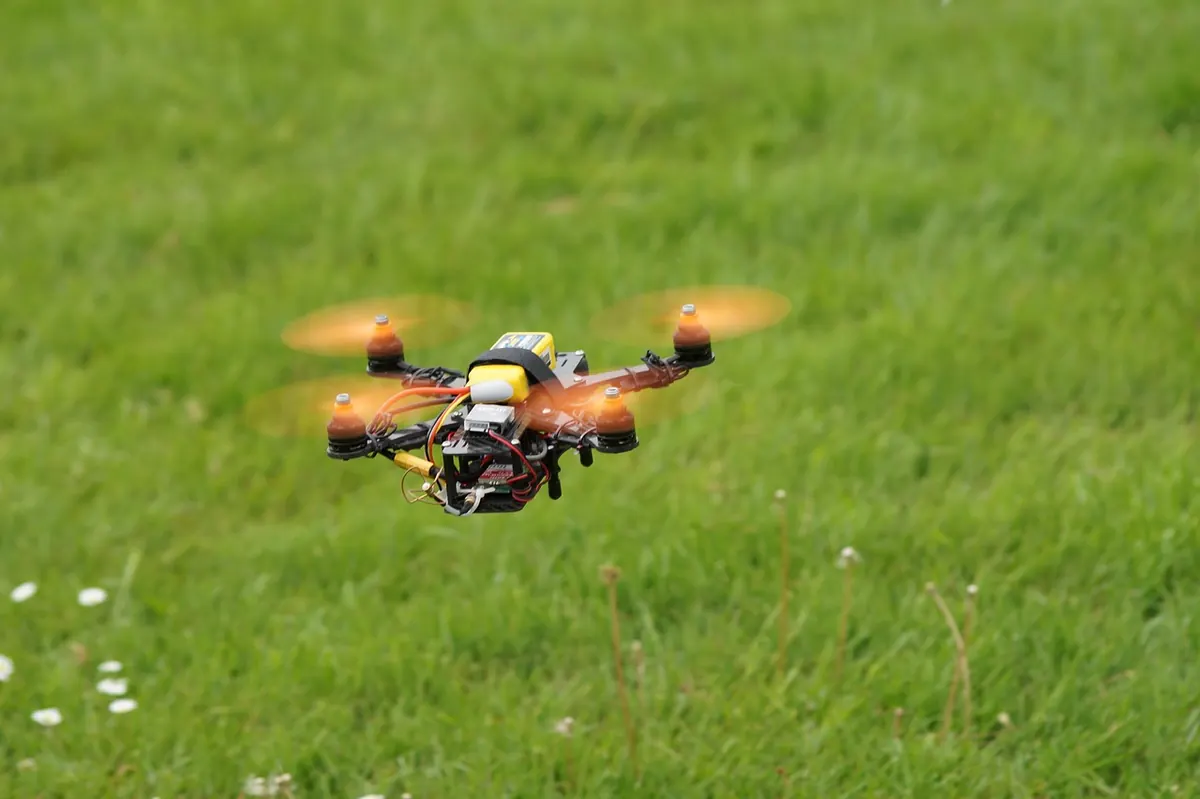
Photo: lucrus91 / Pixabay
Related Articles